 spacebar
Quick Look PDFs With Page Numbers And Find
spacebar draws a PDF with Apple’s PDFKit and keeps the rest of its folder in a sidebar
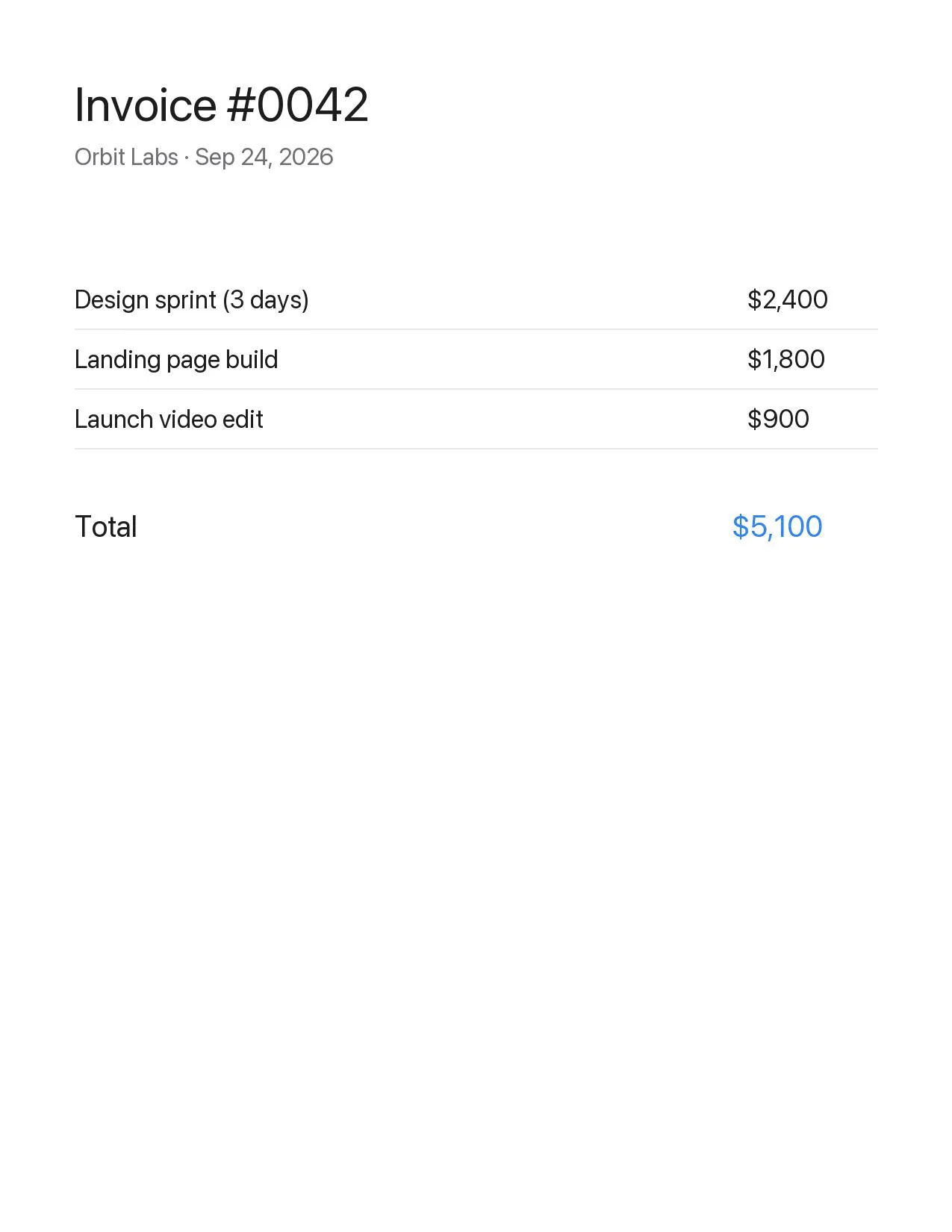
With the Space helper on, Space on a PDF opens it in spacebar, drawn by PDFKit, its folder in the sidebar. The arrow keys move to the next file, whatever its type.
What You See
- Pages in one scrollFitted to the window.
- The folder beside itInvoices, scans and notes in one place.
- A quiet toolbarKind and size; the page gets the height.
- Back where you wereThe window stays open at the same page while you work in another app.
PDFs over 512 MB get an info card, with Open.
Page Numbers, Find And Zoom
| 41 / 228 | The page and page count; a click goes to a page |
|---|---|
| ⌘F | Find in the PDF |
| Page Up Page Down | Move through it |
| ⌘C | Copy the selected text |
| ⌘+ ⌘− ⌘0 | Zoom |
A PDF inside a zip shows in place, read-only, without extracting. See zip contents without extracting.
Space On A PDF
Needs the Space helper
macOS never hands PDFs to another app’s Quick Look extension. Turn on Use spacebar for every file and the optional Space helper opens them in spacebar; it needs Accessibility (as spacebar Helper) and runs at login. Without it, press Space on the folder and pick the file in the sidebar: Quick Look a whole folder.
Safe To Open
PDFKit runs no PDF scripts, the PDF is parsed in spacebar’s sandbox, and there’s no telemetry. The same window shows photos, CSV, code and Markdown: a Quick Look replacement. Compare Quick Look apps.
Install It
Or paste this in Terminal
curl -fsSL https://spacebar.patebryant.com/install.sh | sh
The script downloads the latest notarized release from GitHub, checks its SHA-256 and installs to ~/Applications, no sudo. Read the script.